
HVE Studio is the next major version of HVE, the physics-based simulation environment from Engineering Dynamics Company for reconstructing and simulating vehicle crashes and occupant motion. It runs the same EDC engines classic HVE runs, from the same physics source, in a new 3-D interface.
It installs beside classic HVE rather than over it, so you can run both while you move your work across.
What’s coming in HVE Studio
HVE Studio is coming soon. We plan to release it before the 2027 HVE Forum, which will be the first training on HVE Studio. Here’s a look at what’s new.


Get HVE Studio updates
Sign up to hear about HVE Studio as it’s ready. HVE users with a current support policy: tick the box, and we’ll invite you when the beta opens.
We use your address only for HVE Studio news, and every email has a link to leave the list.
Capabilities
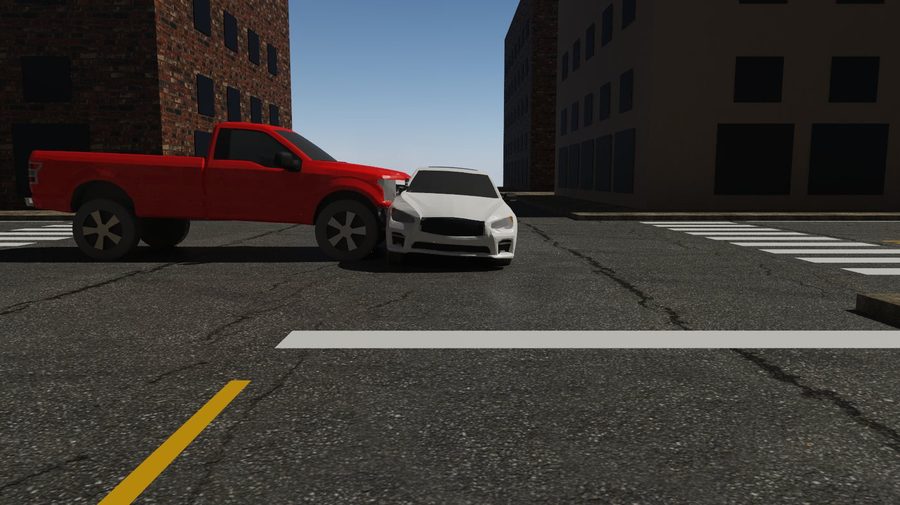
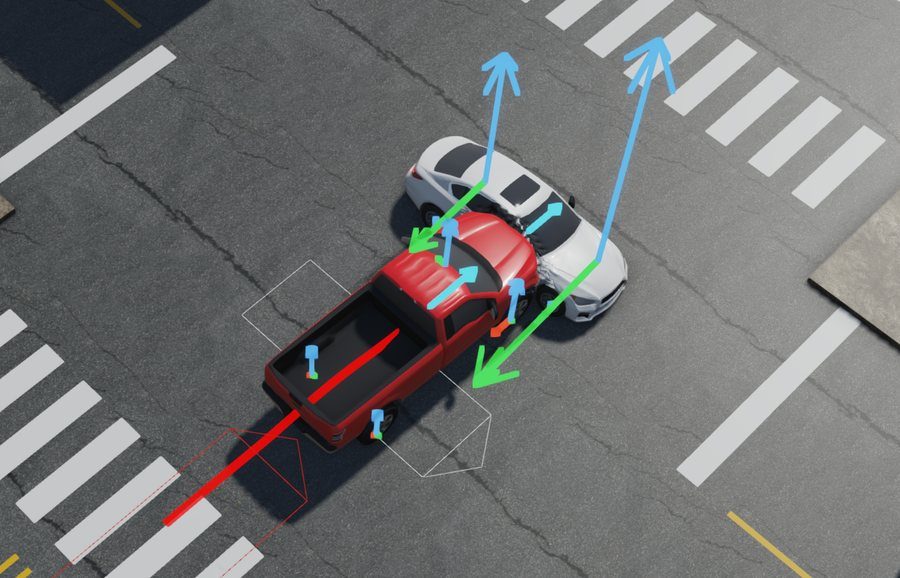
- SIMON 3-D vehicle simulation, with DyMESH collision and the TMeasy combined-slip tire model
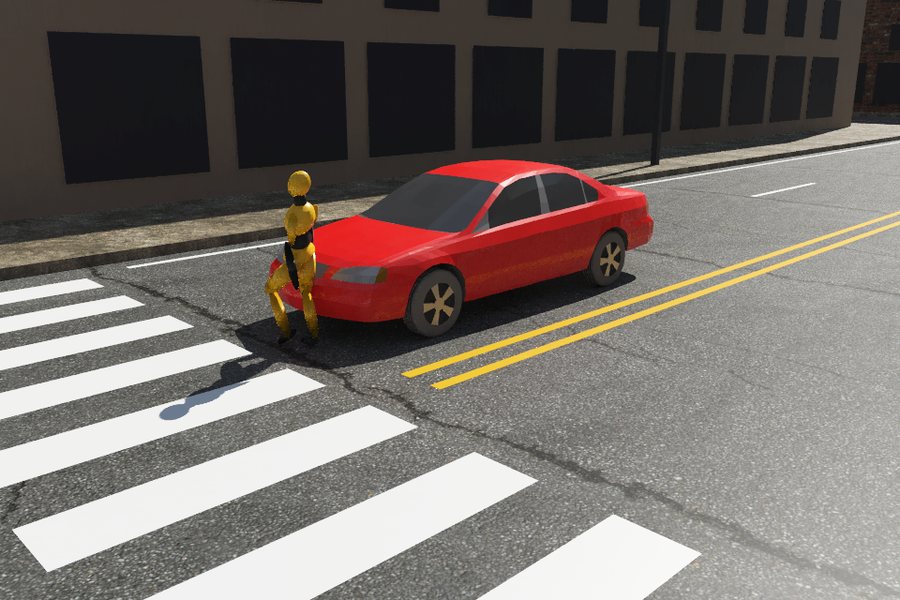
- Occupants in SIMON that ride through the crash and meet the vehicle's interior
- GATB occupant and pedestrian simulation, with walking pedestrians
- Motorcycles: nonlinear single-track dynamics and impacts, with a separate rider
- EDCRASH damage-based reconstruction; EDSMAC and EDSMAC4 collision simulation
- EDSVS, EDVSM, EDVTS, EDVDS and EDGEN vehicle and articulated-vehicle models
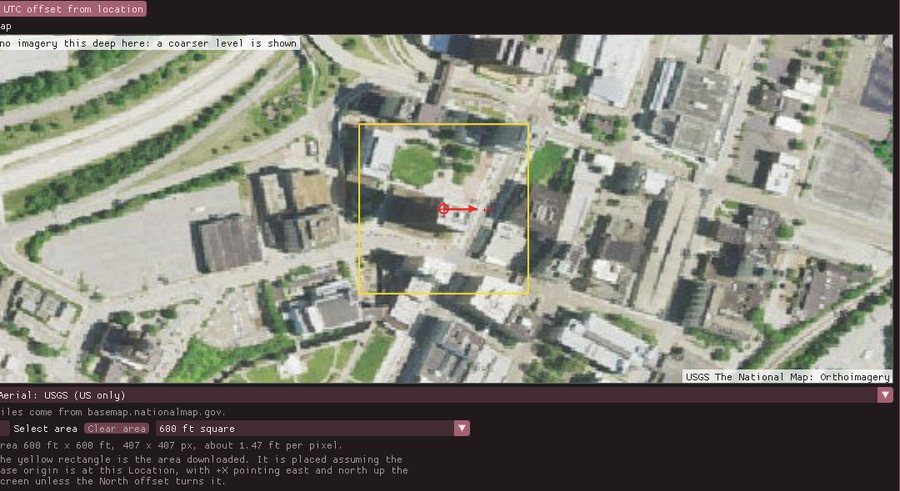
- Real sites: search an address and pull in USGS aerial imagery and 3-D terrain
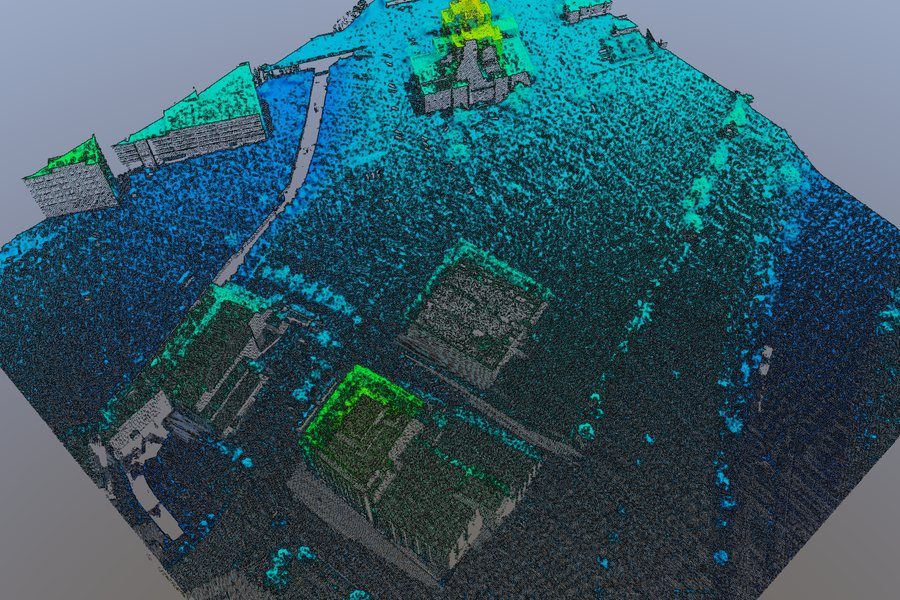
- Survey point clouds (LAS, LAZ, PLY, E57 and Gaussian splats), and drivable surfaces built from a scan
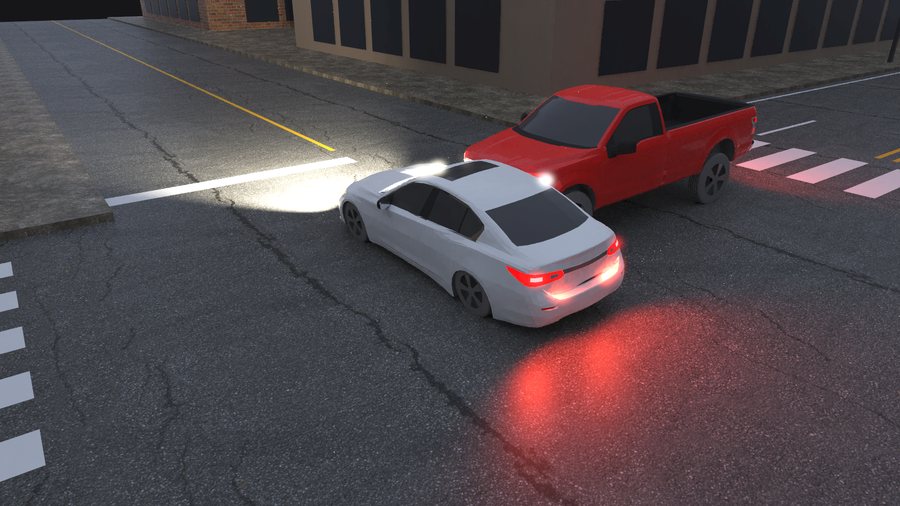
- Photorealistic images: sun shadows, night lighting with vehicle lamps, real skies and node-based materials
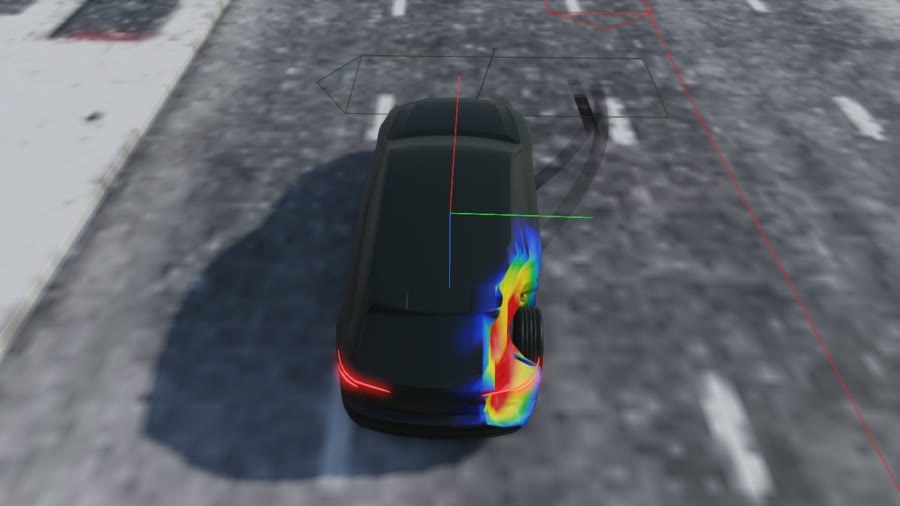
- Animated cameras, a crush heat map, and tire and impact forces and vehicle paths in the 3-D view
- EDR positioning, Monte Carlo analysis, Quick Case and a VIN-based Vehicle Package
- Opens classic HVE cases (File → Import)
- Graphs, report pages and timestep tables from every run
- Animation recording up to 1000 fps, including slow motion; glTF export and a live link to Blender
Licensing
HVE is licensed per computer. Activate it once from Help → License with your EDC Software key; it refreshes itself online, and keeps working for 60 days without an internet connection. A computer that never connects can be activated with a license file from the offline page.
Each engine is licensed separately, and so is the EDC vehicle database. Your license says which you have, and HVE tells you plainly when something is not included. Opening, viewing and printing cases is never licensed, so your work stays readable.
Activate a computer without internet, or release one you no longer have →
Requirements
- Windows 10 or 11, 64-bit
- macOS 11 Big Sur or later, on an Apple Silicon or Intel Mac
- 64-bit Linux with glibc 2.38 or later (Ubuntu 24.04, Debian 13, Fedora 39 or newer), with SDL2 and OpenGL libraries installed (for example: sudo apt install libsdl2-2.0-0)
- A graphics card and driver with OpenGL 3.3: any Intel HD Graphics from about 2012 on, or any AMD or NVIDIA card from the last decade. Remote Desktop and some virtual machines do not provide it
- Any 64-bit Intel or AMD processor, or Apple Silicon; more cores make DyMESH collisions faster
- 8 GB of memory at least; 16 GB recommended for large point clouds, detailed vehicle meshes or multi-event cases
- An internet connection to activate, and at least once every 60 days (or the offline page)
For testers
HVE Studio isn’t released yet. These test builds are for invited testers only. Everyone else: see what’s coming above, and sign up for updates to hear when it’s released.
Version 1.0.0-alpha.5 · released 2026-11-02 · SHA256SUMS.txt
macOS
Only a tester's EDC Software key can download a test build. Lost it? Have it emailed to you.
In this test build
HVE Studio 1.0.0-alpha.5, built from 70fee8fdd9e8 on 2026-11-02.
UNSIGNED test build: Windows SmartScreen warns before it runs (More info, then Run anyway).
No macOS package in this release: the Mac build (failure) did not finish. Windows and Linux are complete.
Full test suite: passed on this commit (Gate: full).
Questions
Does it replace classic HVE?
Not yet. HVE Studio installs in its own folder, uses its own .hvex case format, and never takes over the .hve file type, so classic HVE keeps working beside it. Open a classic case in HVE Studio with File → Import.
How do I get a key?
Existing customers already have an EDC Software key. If you do not, or have lost yours, use the recovery link under Download, or contact Engineering Dynamics Company.
Where is the EDC vehicle database?
It is a licensed product, so it is not in the installer. Customers licensed for it receive it separately.
Can I check the download?
Yes. Every release lists the SHA-256 of each of its files, beside the downloads.
Support
HVE is developed and supported by Engineering Dynamics Company. Visit edccorp.com or contact EDC support for licensing, training and assistance.